Running ads on one platform is rarely enough anymore. Buyers bounce between Instagram, Facebook, and Google within the same afternoon, so the businesses that grow fastest show up in all of them. A solid digital marketing agency plans these channels together instead of treating each one like a separate experiment. This guide covers the main types of Meta ads, then walks through how Google Ads fits alongside them for leads and sales.
Types of Meta Ads Worth Knowing
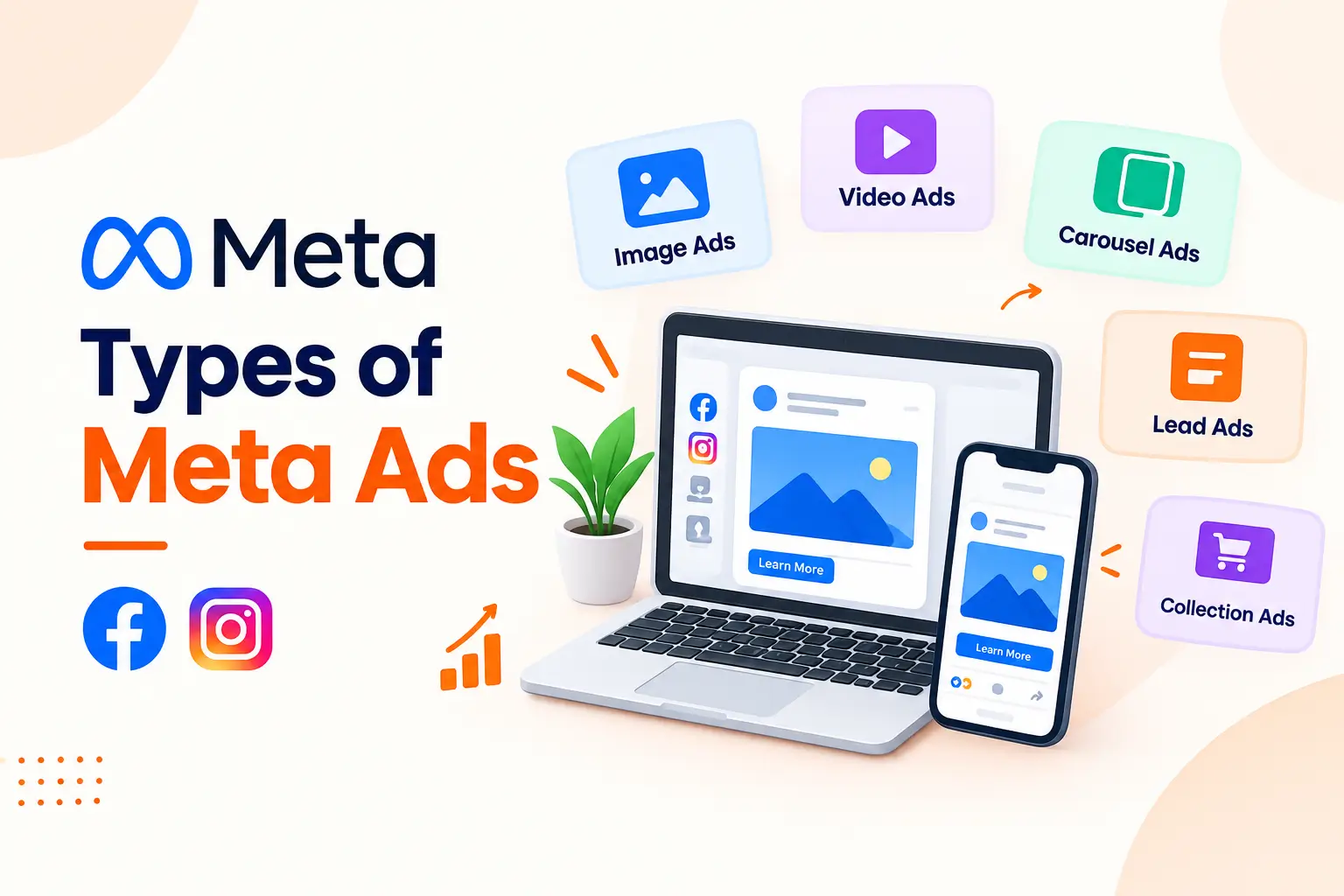
Meta offers several formats, and each one suits a different goal. Image ads are simple and cheap to produce. Video ads hold attention longer, especially short clips under half a minute. Carousel ads let you show multiple products or steps in one swipeable unit. Collection ads open a mini storefront inside the app, which e-commerce brands love. Lead ads use instant forms, so nobody leaves Facebook to sign up. Stories and Reels placements add full-screen reach. Pick the format around the goal, not around what looks coolest.
A quick example: a dental clinic in Austin might run lead ads offering a free whitening consultation, while an online shoe brand would lean on collection ads and carousel retargeting. Same platform, completely different setups. Whatever you choose, rotate creative every couple of weeks, because even a great ad gets stale once the same people have seen it six or seven times. Test one change at a time, like the headline or the first three seconds of a video, so you actually learn what moved the numbers.
How Google Ads Campaigns Help Generate Qualified Leads
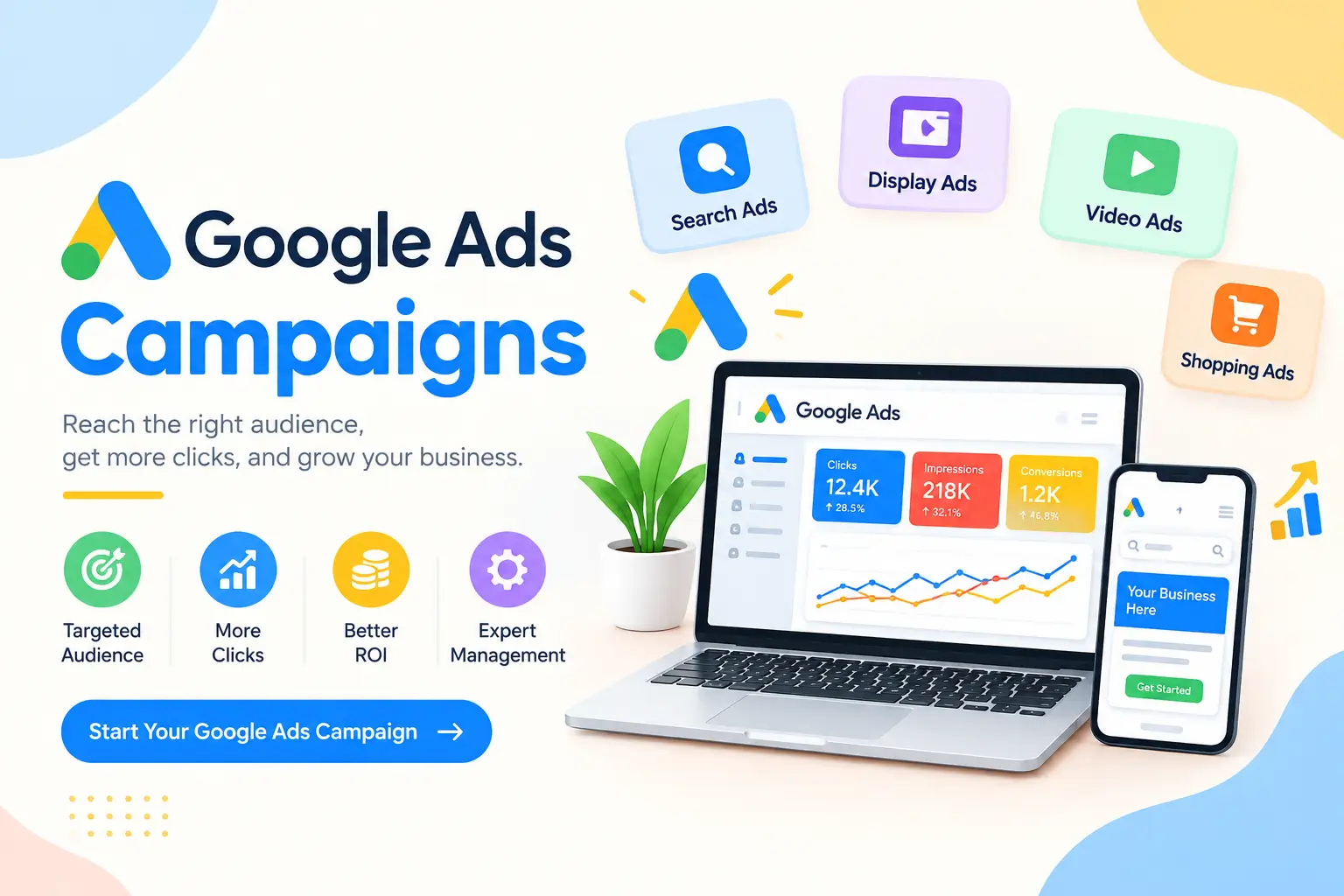
Meta interrupts people while they scroll. Google catches them while they search, which is a very different mindset. Someone typing “emergency roof repair near me” wants a solution today, and that intent is why Google Ads campaigns tend to produce qualified leads at a steady clip. You bid on the searches that match your service, write ads that mirror the question, and send clicks to a page built for one action. Pairing this with Meta retargeting means a prospect who searched you on Tuesday sees your offer again on Instagram by Wednesday.
Steps to Complete Google Ads Login and Access Your Account
Getting into your account is simple once you know where to look. Head to ads.google.com and click Sign in. Use the Google account that was linked when the account was created, since a different email often lands you on a blank screen. If you manage several businesses, choose the right account from the list or log in through a manager account. Can’t get in? Check with whoever set it up originally, because access is tied to specific email addresses and can be shared by invitation.
How to Use Google Ads Sign Up to Create a New Account
Starting fresh takes about fifteen minutes. Visit the Google Ads homepage, click Start now, and sign in with a Google account. Add your business name and website, pick a main goal such as calls or website leads, and build a first campaign when prompted. Set a daily budget you’re comfortable losing while you learn. Then add billing details so ads can actually run. One tip: skip the “Smart mode” shortcut if you can, since Expert mode gives you far more control over keywords and targeting.
Types of Google Ads Campaign for Business Growth
Search campaigns show text ads on results pages and usually convert best for service businesses. Display campaigns place banners across millions of sites, which suits awareness and remarketing. Shopping campaigns put product photos and prices right in search results for online stores. Video campaigns run on YouTube. Performance Max uses Google’s automation to spread budget across every channel at once. Start with Search if leads are the goal, then add others once you’ve got conversion data to feed the system. Jumping into Performance Max too early often wastes money.
Google Ads Targeting Strategies to Reach Potential Customers
Targeting is where budgets get won or lost. Keyword match types control how closely a search has to resemble your term, and exact or phrase match keeps spend tighter than broad. Location settings keep ads inside the cities you actually serve. Audience segments let you layer on past visitors, similar users, or in-market shoppers. Schedule ads for the hours your phone is answered, because a click at 2am that goes to voicemail is just wasted cash. Add negative keywords weekly to block searches like “free” or “jobs” that bring clicks without customers.
Google Ads Conversion Tracking for Leads and Sales
Without tracking, you’re guessing. Conversion tracking tells Google which clicks turned into form fills, phone calls, or purchases, and that data feeds its bidding system. Set it up through a Google tag or Google Tag Manager, then mark the actions that matter most as primary conversions. Test every form yourself before launch. It’s shocking how many campaigns run for weeks with a broken thank-you page nobody checked. Once tracking works, you can finally see cost per lead, and that single number guides almost every decision afterward.
How to Optimize Google Ads Campaign Performance
Optimization is a weekly habit, not a one-time fix. Review the search terms report and cut irrelevant queries. Pause ads with weak click-through rates and test new headlines against the winners. Check Quality Score, since higher scores lower what you pay per click. Send traffic to a fast, focused landing page, because even great ads fail on a slow site, which is where website development pays for itself. Strong organic rankings through SEO also reduce how much you rely on paid clicks over time.
Final Thoughts
Meta ads build awareness and nudge people along. Google Ads captures them when they’re ready to act. Used together, they cover the whole path from first glance to signed contract, and a bit of social media marketing keeps the brand warm in between. If your campaigns feel scattered or you’re not sure which ad types fit your budget, contact AmigosIT for a free consultation and get a clear plan built around your goals.
Frequently Asked Questions
What is the best type of Meta ad for lead generation?
Lead ads with instant forms usually win, since people can submit details without leaving the app.
Is Google Ads or Meta Ads better for small businesses?
Neither wins outright. Google captures active searchers, while Meta builds demand, so many businesses run both.
Can I log in to Google Ads with any email?
Only with an address that has been given access to the account. Otherwise you’ll need an invitation.
How much should I spend when starting out?
Start with a daily budget you can afford to test for a few weeks, then adjust based on cost per lead.
How long until ads start producing leads?
Often within days, though real optimization usually takes three to four weeks of data.