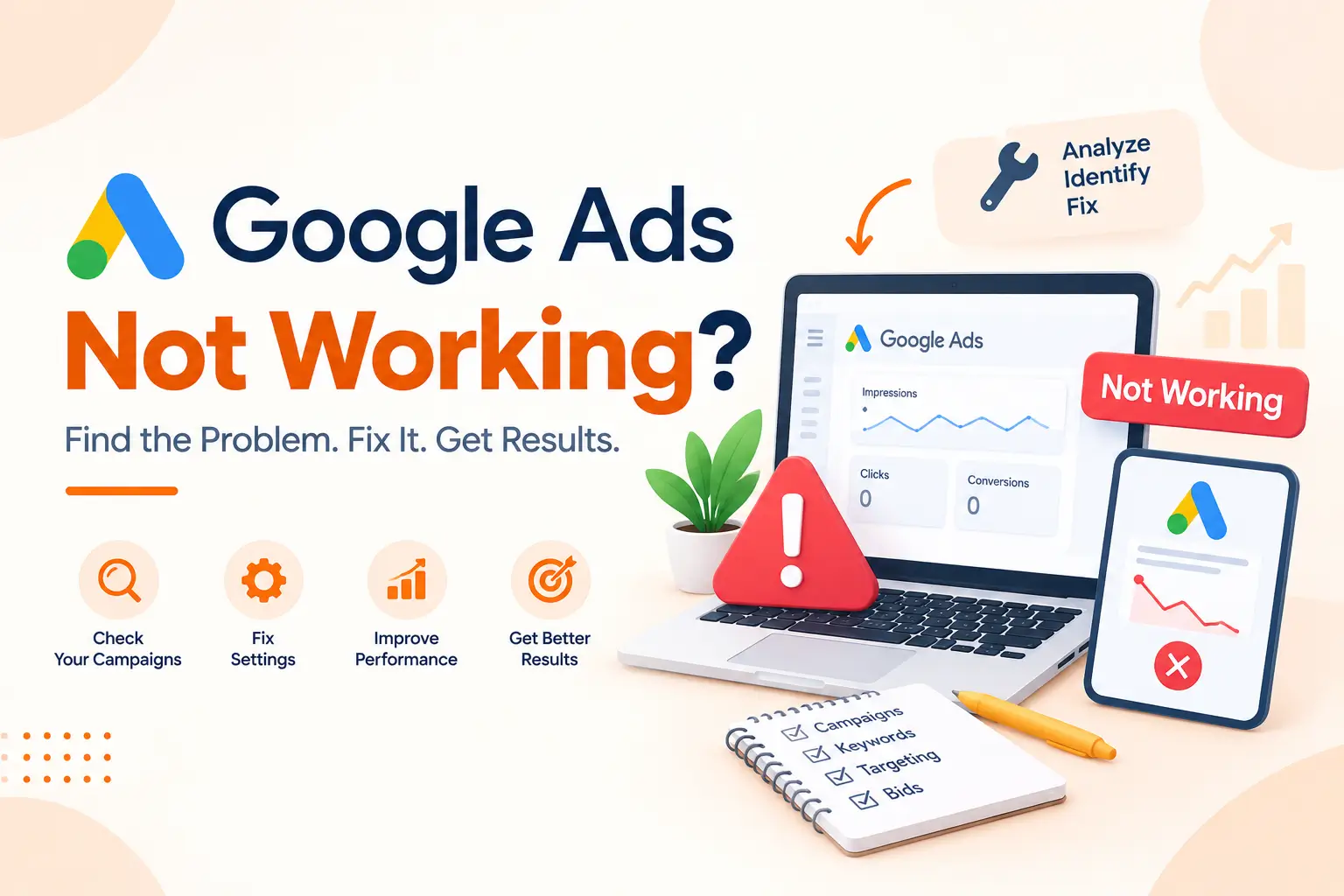
You set up a campaign, picked a budget, hit publish, and waited. Then nothing. A handful of clicks, zero calls, and a bill that somehow still showed up on the 1st. Sound familiar? If your Google Ads not working, you are not alone. At Amigos IT Systems, we hear this story almost every week from small business owners who’ve spent $500 or even $2,000 on ads with little to show for it.
Here’s the good news. Google Ads usually aren’t “broken.” Something in the setup is off, and a lot of the time it’s the same stuff that hurts your SEO too, like vague keywords or pages that don’t match what people are searching for.
Why Google Ads Not Working: Website Design and Marketing
Sometimes the ad is fine and the leak is on your website. If your website development wasn’t done with conversions in mind, you’re basically paying Google to send people to a shop with a locked door. Ads also don’t work alone. Your social media marketing builds trust before anyone clicks, and good graphic designing makes your brand look real, not like a pop-up stall. Okay, let’s get into the nine reasons.
1. You’re Targeting the Wrong Keywords
This is the big one. Most failing campaigns we audit are bidding on keywords that sound right but bring the wrong crowd. A plumber in Lahore bidding on “plumbing” will pay for students writing assignments, DIY fans and people looking for jobs. None of them want to book a visit. Pick keywords with buying intent. Think “emergency plumber near me” or “fix leaking geyser DHA.” Longer phrases get fewer searches, sure. But the people typing them have their wallet out. Honestly, I’d rather have 40 clicks from the right people than 400 from curious browsers. Open your Search Terms report today. You’ll probably wince at a few of the phrases you’ve been paying for.
2. Your Match Types Are Too Broad
Broad match lets Google show your ad for anything it thinks is “related.” And Google’s idea of relatedness can be pretty creative. We once saw a bakery’s ad for “custom birthday cakes” showing up for “cake decorating jobs.” Not ideal. Phrase match and exact match give you a lot more control. Your ad only appears when the search is close to what you actually offer. A broad match isn’t evil. It can work well with smart bidding and plenty of conversion data. But if you’re a small business on a tight budget, starting abroad is a fast way to drain your money by Wednesday. Start tight, watch the data for two or three weeks, then loosen things up slowly if it makes sense.
3. You Haven’t Added Negative Keywords
Negative keywords tell Google where you don’t want to show up. Skip them, and you’ll pay for clicks that were never going to turn into customers. Common ones to block: “free,” “jobs,” “salary,” “DIY,” “course” and “how to.” A web design agency, for example, probably doesn’t want clicks from someone searching “web design course free download.” Build this list slowly. Check your search terms every week and add anything irrelevant. It’s boring work, I won’t lie. But it’s one of the quickest ways to cut wasted spend, sometimes by 20 or 30 percent in the first month alone. Small effort, real savings. Most business owners we talk to have never added a single one.
4. Your Ad Copy Doesn’t Stand Out
Search for your own service and look at the ads. Do they all say “Best Quality, Affordable Prices, Contact Us Today”? Yours probably does too. That’s the problem. People skim. You’ve got about two seconds to give them a reason to click you instead of the guy above. Use real numbers. “Same-day AC repair, 4.8 stars from 312 reviews” beats “Professional AC Services” every single time. Include your main keyword in the headline so the ad feels relevant. Add a clear call to action. And use every ad asset Google gives you, like sitelinks, callouts and call buttons. They make your ad bigger on the page, which is free real estate you’d be silly to leave empty.
5. Your Landing Page Is Letting You Down
You can write the best ad in the world. If it sends people to a slow, confusing page, they’ll leave. Fast. Your landing page should match the ad. Someone who clicked “kitchen renovation in Karachi” shouldn’t land on your homepage with 14 menu options and a slider about your company history. Send them to a page about kitchen renovations, with photos, prices if you can share them, and one clear button. Check your load time too. Over half of mobile visitors give up if a page takes more than three seconds. Compress your images, cut the fancy animations, and put your phone number where a thumb can reach it easily.
6. Your Quality Score Is Low
Google gives every keyword a Quality Score from 1 to 10. It looks at expected click-through rate, ad relevance and landing page experience. A low score means you pay more per click and show up lower. Brutal combo. You can see how Google explains it in their own guide to Quality Score. It’s worth ten minutes of your time. The fix usually comes back to the earlier points. Tighter ad groups, keywords that match your ad text, and a landing page that actually delivers. If one ad group has 50 unrelated keywords in it, split it up. Smaller, focused groups almost always score better, and the cost per click drops along with it.
7. Your Budget or Bidding Strategy Is Off
A $5 daily budget in a competitive market is like bringing a spoon to dig a well. If clicks in your industry cost $3 each, you’ll get one or two clicks a day. That’s not enough data to learn anything useful. Bidding matters as well. Smart bidding strategies like “Maximize Conversions” need conversion data to work properly. Without it, Google is basically guessing with your money. New account? Try manual CPC or “Maximize Clicks” with a bid cap first. Then switch to smart bidding after you’ve collected 30 or so conversions. And please, don’t change your strategy every three days. The algorithm needs time to settle, usually a couple of weeks at least.
8. Your Location and Schedule Settings Are Wrong
Here’s a sneaky setting most people miss. By default, Google may show your ads to people “interested in” your location, not just people who are actually there. So your salon in Islamabad might be paying for clicks from someone in Dubai who once searched for Islamabad hotels. Go to your location settings and choose “Presence: people in or regularly in your targeted locations.” Look at your ad schedule too. If you only answer calls from 9 to 6, why run ads at 2 a.m.? Check which hours and days bring real leads, then raise bids during those times and lower them, or switch off, when nobody’s around.
9. You’re Not Tracking Conversions
If you don’t track conversions, you’re flying blind. You might see clicks and impressions, but you won’t know which keywords brought calls, form fills or sales. Set up conversion tracking for the actions that matter to your business. Phone calls, contact forms, WhatsApp clicks, purchases. Google Tag Manager makes this easier, though it does take an afternoon to get right the first time. Once tracking is live, everything else gets smarter. You’ll know which ads to keep, which to pause, and where to put more money. The funny thing is, this step should come first, yet it’s the one most people skip entirely.
Final Thoughts
Google Ads can be one of the fastest ways to get new customers. It just doesn’t forgive sloppy setup. Most problems come down to a few fixable things: the wrong keywords, weak ads, a slow landing page, or missing data. Fix two or three of them and you’ll often see a difference within a month. If you’d rather have someone look over your account with fresh eyes, contact us and our team will tell you honestly what’s working, what isn’t, and what to fix first.
Frequently Asked Questions
1. Why am I getting clicks but no sales from Google Ads?
Usually your landing page doesn’t match the ad, loads slowly, or you’re targeting keywords without real buying intent behind them.
2. How long does it take for Google Ads to work?
Most campaigns need two to four weeks to gather data. Real, steady results usually show up after one to three months.
3. What is a good Quality Score in Google Ads?
A score of 7 or higher is good. It lowers your cost per click and helps your ads show in better positions.
4. How much should a small business spend on Google Ads?
Start with enough for at least 10 to 15 clicks daily, based on your industry’s average cost per click and goals.
5. Do negative keywords really save money?
Yes. They stop your ads from showing on irrelevant searches, which can cut wasted spend by 20 percent or even more.