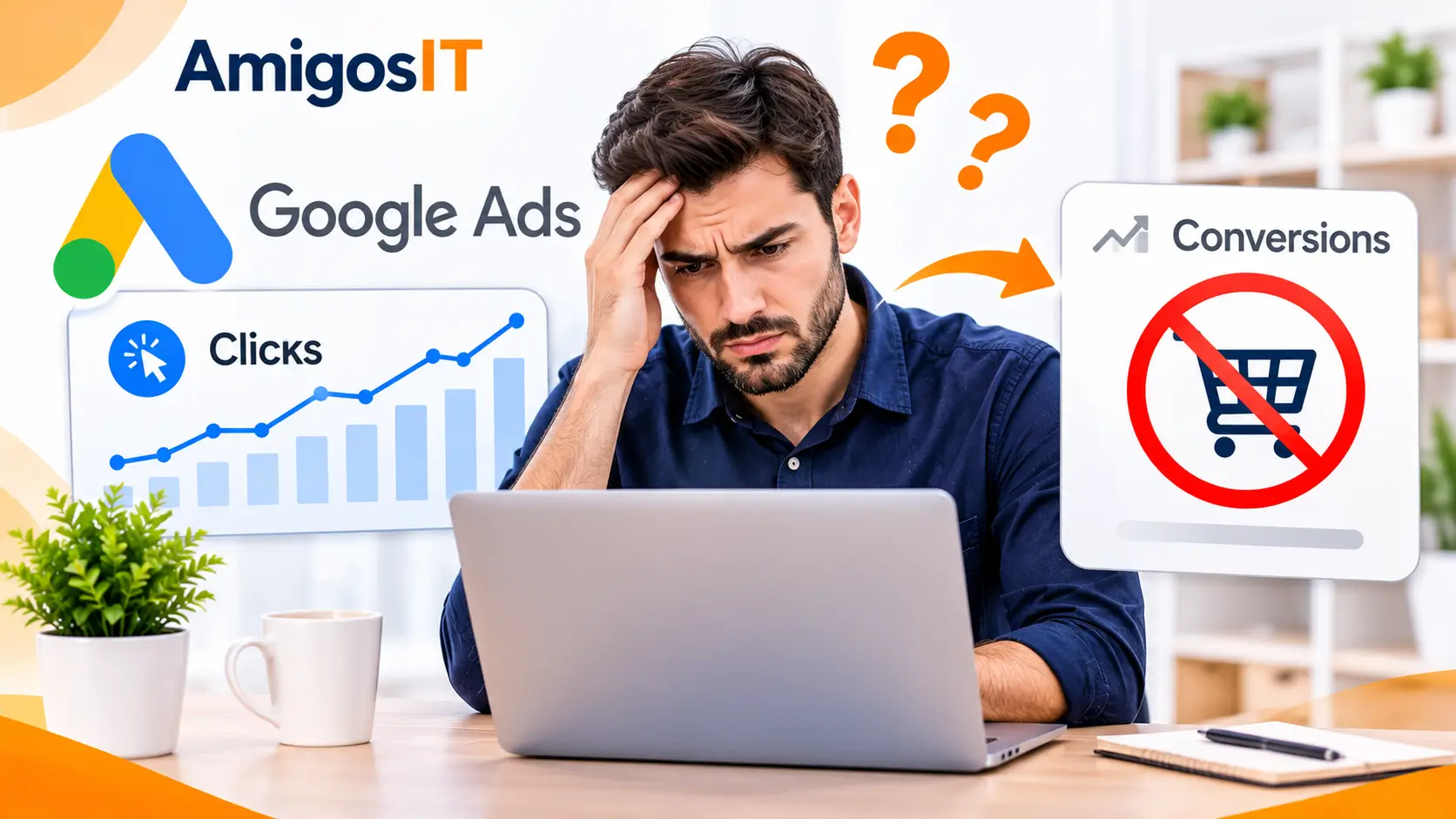
Few things feel worse than watching your Google Ads clicks but no conversions budget disappear while the phone stays silent. The clicks are rolling in, the dashboard looks busy, and yet nobody’s calling, buying, or filling out a form. Before you blame Google or pause everything, take a breath. Clicks without conversions usually have a specific, fixable cause, and it’s often not the one you’d guess first. A capable digital marketing agency diagnoses these problems in a set order, and this guide follows that same path so you can find the leak.
First, Check Whether Conversions Are Being Tracked
Start here, because it’s embarrassingly common. Sometimes people are converting, but your tracking isn’t recording it. A broken tag, a changed thank-you page, or a form that no longer fires the conversion event can make a working campaign look dead. Submit a test form yourself and confirm the conversion shows up in Google Ads. Check phone call tracking too. If tracking is broken, every decision you make from the data will be wrong, so fix this before touching anything else.
Make Sure You’re Counting the Right Conversions
Another trap is tracking the wrong action. If you mark page views or button clicks as conversions, the numbers can look great while no revenue arrives. And if you only track one action, like form fills, you may miss calls, chats, and bookings. Decide what counts as a real business result, then make those your primary conversions. Also allow for conversion delay. Some customers click today and buy days later, so very recent data can look worse than it truly is.
Review Your Search Terms Report
The search terms report shows the actual queries that triggered your ads, and it’s often a shock. You may find searches like “free,” “jobs,” “DIY,” or competitors’ names eating budget. Broad match keywords are frequent offenders. Add negative keywords for irrelevant searches, and tighten match types to phrase or exact where it makes sense. Check this report at least weekly. It’s the fastest way to stop paying for people who were never going to become customers.
Check Keyword Intent
Not every search signals a desire to buy. “How to fix a leaky faucet” and “emergency plumber near me” are very different. The first is a researcher, the second is a buyer. If your keywords attract people who are just learning, clicks will pile up without conversions. Shift budget toward terms with commercial intent, such as service names, “near me,” “quote,” “pricing,” or “hire.” Informational keywords have their place, but they usually belong in content marketing, not in a lead-focused ad campaign.
Look at Your Landing Page
If tracking and traffic are fine, the landing page is the next suspect. Does it match the ad’s promise? If your ad says “Same-Day AC Repair” and the page opens with a generic company intro, visitors bounce. Make the headline echo the ad, put the offer and call to action above the fold, and remove distractions. Fast, mobile-friendly pages convert better. If your site needs real work, website development can rebuild pages around conversion instead of decoration.
Test Page Speed and Mobile Experience
A page that takes too long to load loses people before they ever see your offer. Most ad clicks come from phones, so test on a real device. Look for tiny buttons, forms that are painful to fill out, and layouts that jump around while loading. Click-to-call buttons help local businesses a lot. If you wouldn’t want to use your own page on a mobile connection, your customers won’t either. Speed and usability fixes are often cheap and deliver quick gains.
Simplify Your Forms and Calls to Action
Every extra form field gives someone a reason to quit. Ask only for what you need to follow up, usually name, phone, and email. Make your call to action specific, like “Get my free quote,” instead of the vague “Submit.” Add reassurance near the button, such as response time or a no-obligation note. If you offer both a form and a phone number, make sure both work properly. Sometimes the whole problem is a button that doesn’t do anything.
Build Trust on the Page
People hesitate to give details to a business they don’t trust. Add real reviews, testimonials, certifications, photos of your team or work, and clear contact information. Show your address if you’re local. State guarantees and pricing expectations where possible. Remove stock photos that feel fake, and fix typos or broken images that make the page look neglected. Trust signals quietly raise conversion rates, especially for high-value services where people are cautious about who they call.
Review Your Offer and Pricing
Sometimes the ad is fine and the offer just isn’t compelling. If competitors advertise free estimates, same-day service, or financing and you offer none of those, you’re at a disadvantage. Look at what the top ads in your market promise and ask honestly where you stand. Your pricing may also attract the wrong audience. Clear positioning helps, whether that’s premium quality, fastest service, or best value. A weak offer can’t be rescued by better targeting.
Check Targeting: Location, Schedule, and Devices
Wrong targeting wastes money quietly. Make sure your location settings cover only areas you serve, and review whether ads are reaching people in your area or merely interested in it. Look at performance by hour and day, and consider pausing ads when nobody can answer the phone. Compare mobile, desktop, and tablet results too. If one device brings clicks and no conversions, adjust bids or improve that experience. Small targeting changes can save a surprising amount of budget.
Evaluate Bidding Strategy and Budget
Automated bidding needs data. Switching to a conversion-focused strategy with few or no recorded conversions can leave the system guessing. If you’re new, you may need to gather clicks first or use a strategy better suited to low data. A budget that’s too small can also stop campaigns from learning. Our overview of AI in digital marketing explains how automation depends on clean inputs, which is why good tracking comes first.
Look at Ad Copy and Audience Match
Ads that overpromise attract clicks from people who then feel misled. Make your ad copy specific about what you offer, who it’s for, and what it costs, so the wrong people self-select out. A few honest qualifiers, like service area or minimum job size, can improve lead quality. Clicks aren’t the goal. Conversions are. An ad that gets fewer but better clicks often beats one with a high click-through rate and no results. You can also follow AmigosIT Systems on LinkedIn for more digital marketing insights and updates.
Give It Time, but Not Forever
Early data can mislead. A campaign with twenty clicks and zero conversions isn’t necessarily broken, especially for high-ticket services with longer decisions. But waiting months while spending blindly isn’t smart either. Set a rule, such as reviewing after a certain number of clicks or a set number of weeks, then make changes one at a time. Pairing paid ads with strong SEO services also reduces dependence on clicks you have to buy.
Final Thoughts
Clicks with no conversions are a symptom, not a verdict. Check tracking first, then search terms, intent, landing pages, trust, offer, targeting, and bidding, in that order. Most problems turn out to be a handful of fixable details. If you’d like an expert to audit your campaigns and find where the money’s leaking, contact AmigosIT for a free consultation and get a clear plan to turn those clicks into customers.
Frequently Asked Questions
Why am I getting Google Ads clicks but no conversions?
Common causes include broken conversion tracking, irrelevant search terms, weak landing pages, and keywords that attract researchers instead of buyers.
How many clicks should I wait for before changing a campaign?
It depends on your conversion rate and deal size. Many advertisers review after a few dozen to a couple hundred clicks, changing one thing at a time.
Could my conversion tracking be broken?
Yes, it’s one of the most common reasons. Submit a test form or call yourself and confirm the conversion appears in Google Ads.
Do negative keywords really help?
Absolutely. They block irrelevant searches like “free” or “jobs,” so your budget goes toward people more likely to become customers.
Should I pause my campaign if there are no conversions?
Not immediately. Fix tracking, search terms, and landing page issues first. Pause only if the problems persist after sensible changes.